Ubeya
Ubeya is a global employee scheduling and staff management company. It allows business to manage jobs on the go with automated scheduling, booking, time tracking using mobile and web based platforms. By setting up this integration, you’ll be able to use Ubeya for further schedule management.
Set up Ubeya Integration
Section titled “Set up Ubeya Integration”-
Reach out to support@rekrutek.ai or the Customer Success team to enable this feature on your account. Once Ubeya has been enabled for your account move to Step 2
-
Locate the API key from your Ubeya account. Your Ubeya implementation team should have sent you an email containing this information or you can find your API key in your Ubeya Dashboard.
-
Copy it for use in Rekrutek.
-
Go to the Rekrutek page. Hover over your username on the top right, and click Integrations.
-
Click on Screening tab to the left side. Click the Connect to the right of Ubeya.
-
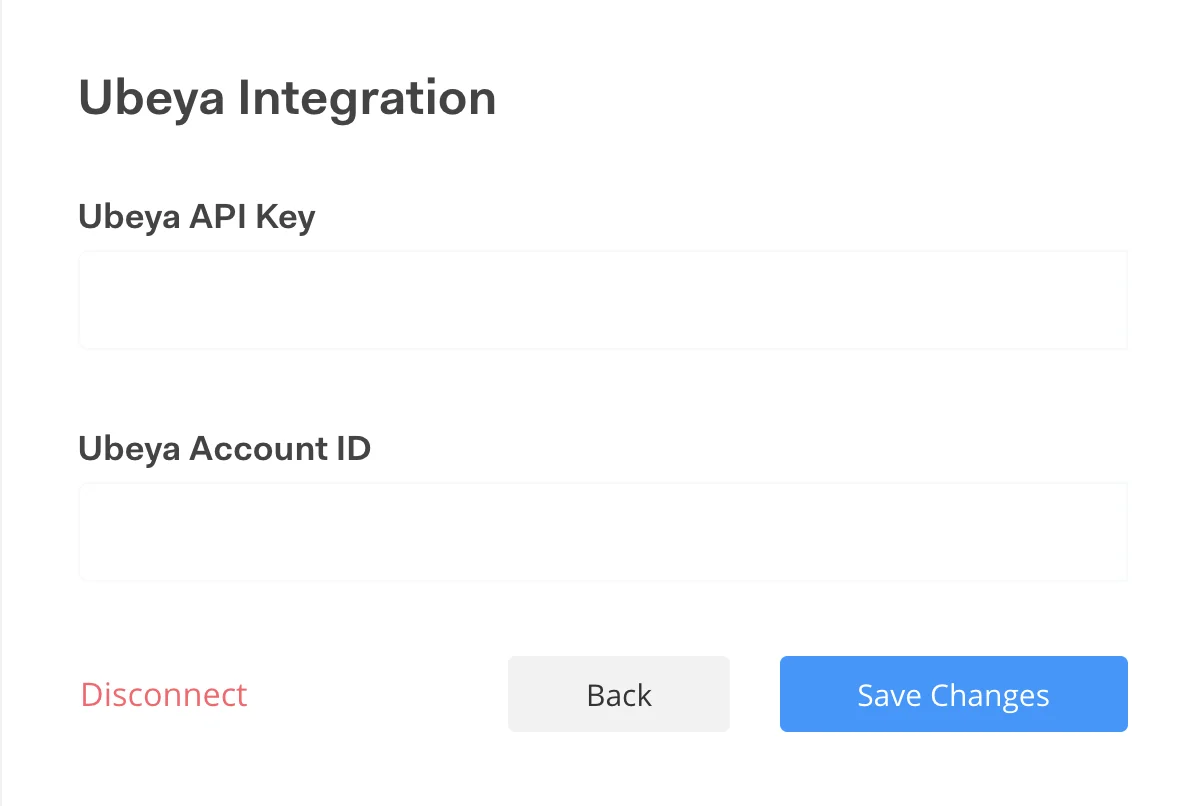
Enter your Ubeya API Key.
-
Click Save Changes, and you’re done!
Add Ubeya Stage to Workflow
Section titled “Add Ubeya Stage to Workflow”-
Choose Ubeya Partner Stage to add the stage to your Opening’s workflow. Check out article on how to add stage here.
-
When an applicant lands on the Ubeya stage, applicant’s basic info will be automatically shared with Ubeya
-
When the applicant successfully moved to the next stage, the partner status Hired will appear in the applicant table.

Ubeya Partner Stage Rule
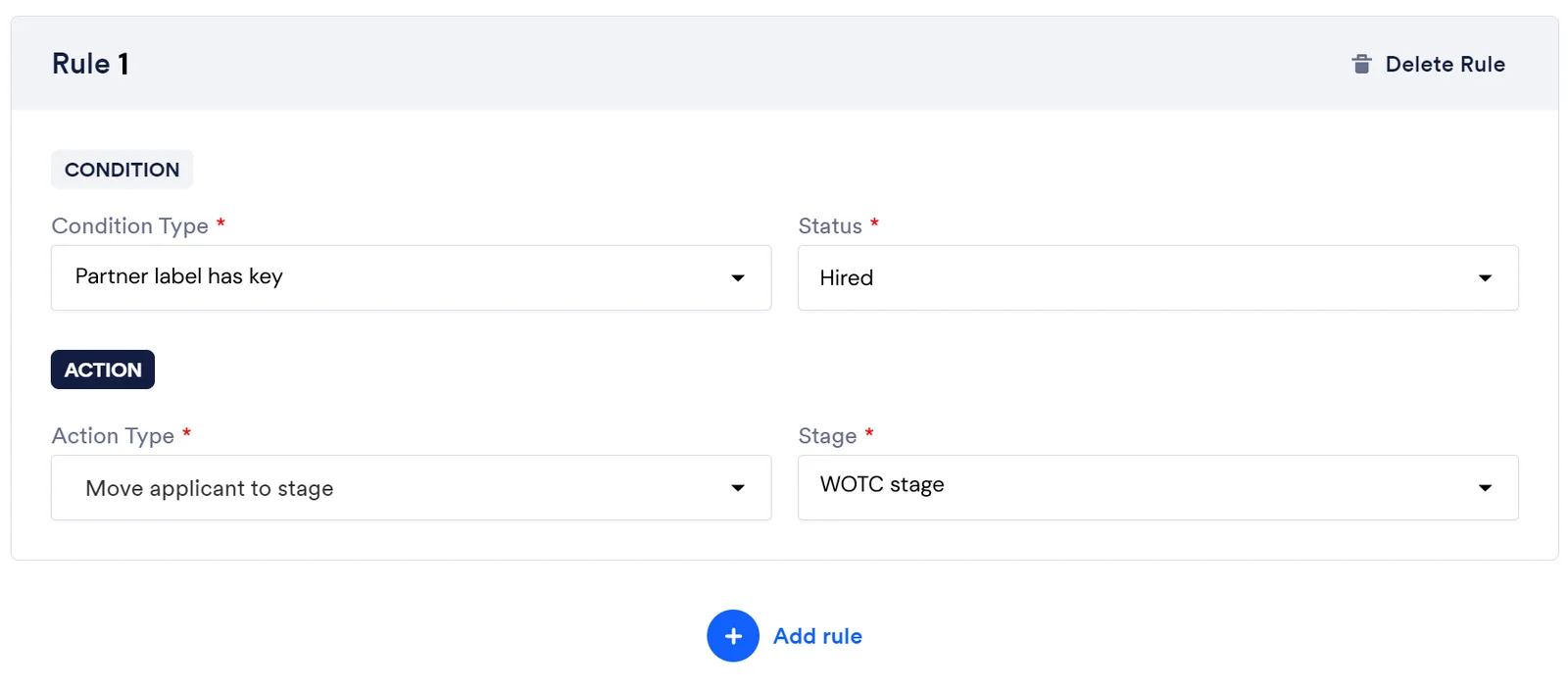
Section titled “Ubeya Partner Stage Rule”You can set partner stage rule for Ubeya stage. Ubeya has only one key: Hired for the partner stage.