Boost
Boost is a feature that automatically posts your job and application form to multiple job boards to help you find new applicants for your Opening. Boost takes away the effort and the manual work of finding job boards, posting jobs directly on the job boards, checking to see if you’ve received applicants, and manually importing them into Rekrutek.
How Boost Works
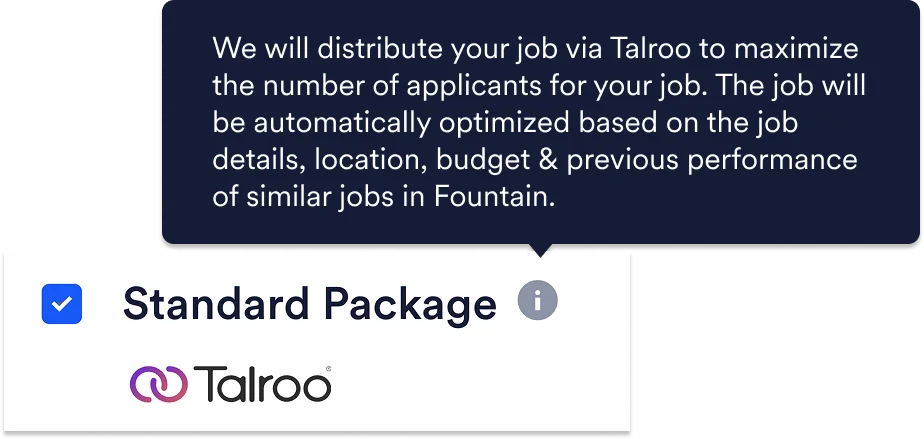
Section titled “How Boost Works”Rekrutek partners with Talroo, a leading programmatic job advertising platform with the second-largest unique candidate audience. Through this partnership, your job postings reach job seekers across Talroo’s owned-and-operated sites (including Jobs2Careers, ReadySetHire, and EssentialWorkerJobs) and an extensive network of partner publishers such as job boards, blogs, news sites and apps, associations, and programmatic advertising platforms.
When you create a Boost with the Standard Package, you can set a budget with a fixed 30 day duration. During this timeframe, Rekrutek will:
- Identify the best mix of job boards suited for your job
- Publish your job on the identified job boards
- Sponsor your job on job boards from your allocated Boost budget
- Automatically add newly applied candidates to your Opening
- Attribute the candidate to the job board where they applied for analysis
The effectiveness of the Boost and the quality of the applicants is based on a variety of factors, including:
- Location of job and demand for such work in that area.
- Job Descriptions - Job descriptions should be detailed but concise. Include information such as job requirements, location, shift schedules, pay rate, benefits, and details about the company that is hiring. Use proper formatting and avoid spelling mistakes or copy errors.
- Budget - Higher budgets lead to higher bids on job boards, which convert to more views, more clicks, and more applications.
- Posting Title - The posting title should reflect the title of the role for which you are hiring. Avoid lengthy titles with unnecessary information and clickbait.
- Candidate Density - Boost success is dependent upon the volume and interest level of prospective candidates in the job’s area, which can vary by season and can be based on the factors listed above.
Boost Your Job Opening
Section titled “Boost Your Job Opening”To Boost a job Opening, follow the steps below:
-
Select the Sourcing tab located in the top navigation bar, then select Job Postings located in the left menu.

-
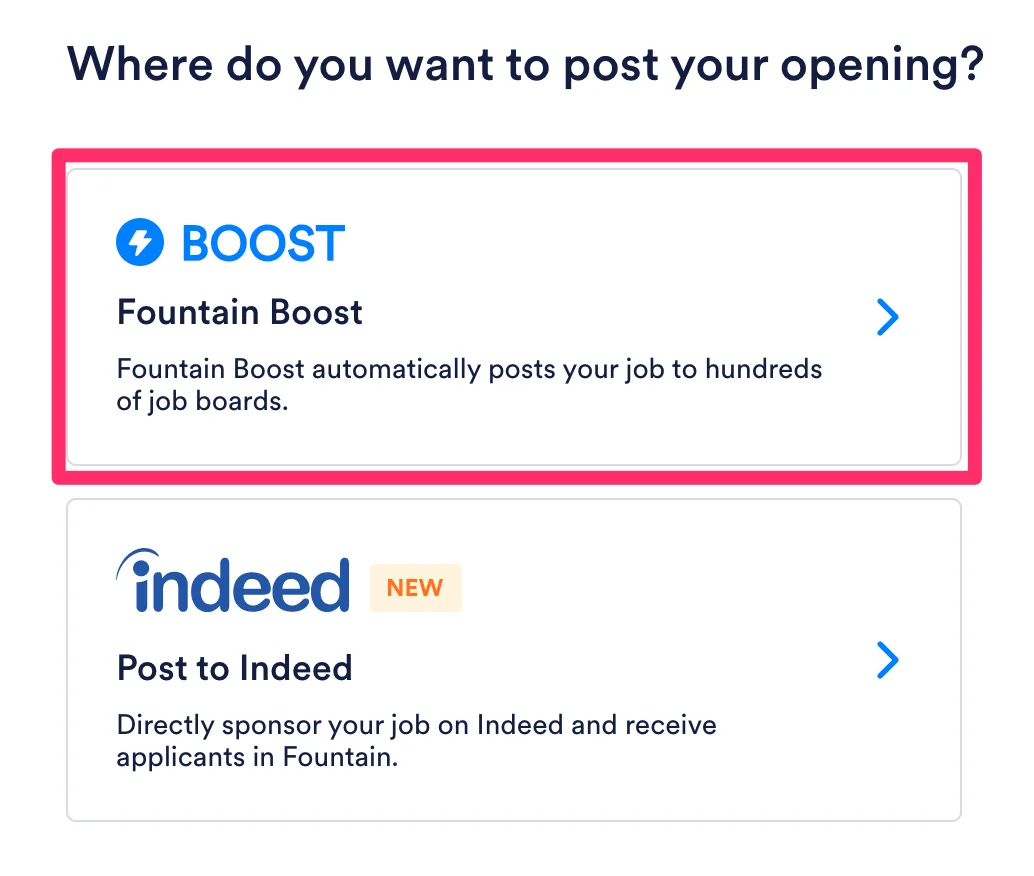
Select Boost.
-
Select the Opening you’d like to add your Boost to from your list of Openings and click Next.
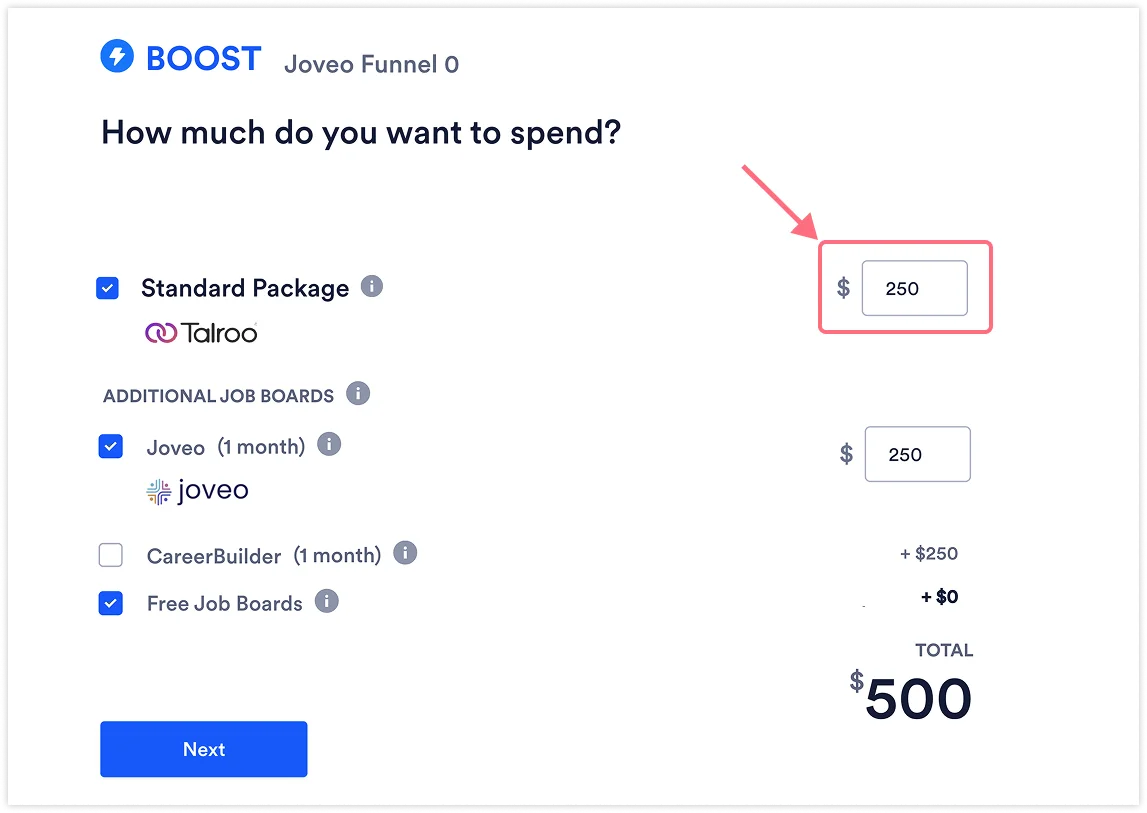
Determine a budget for your Boost.
-
Once you determine and set the parameters for your budget, select Next.
-
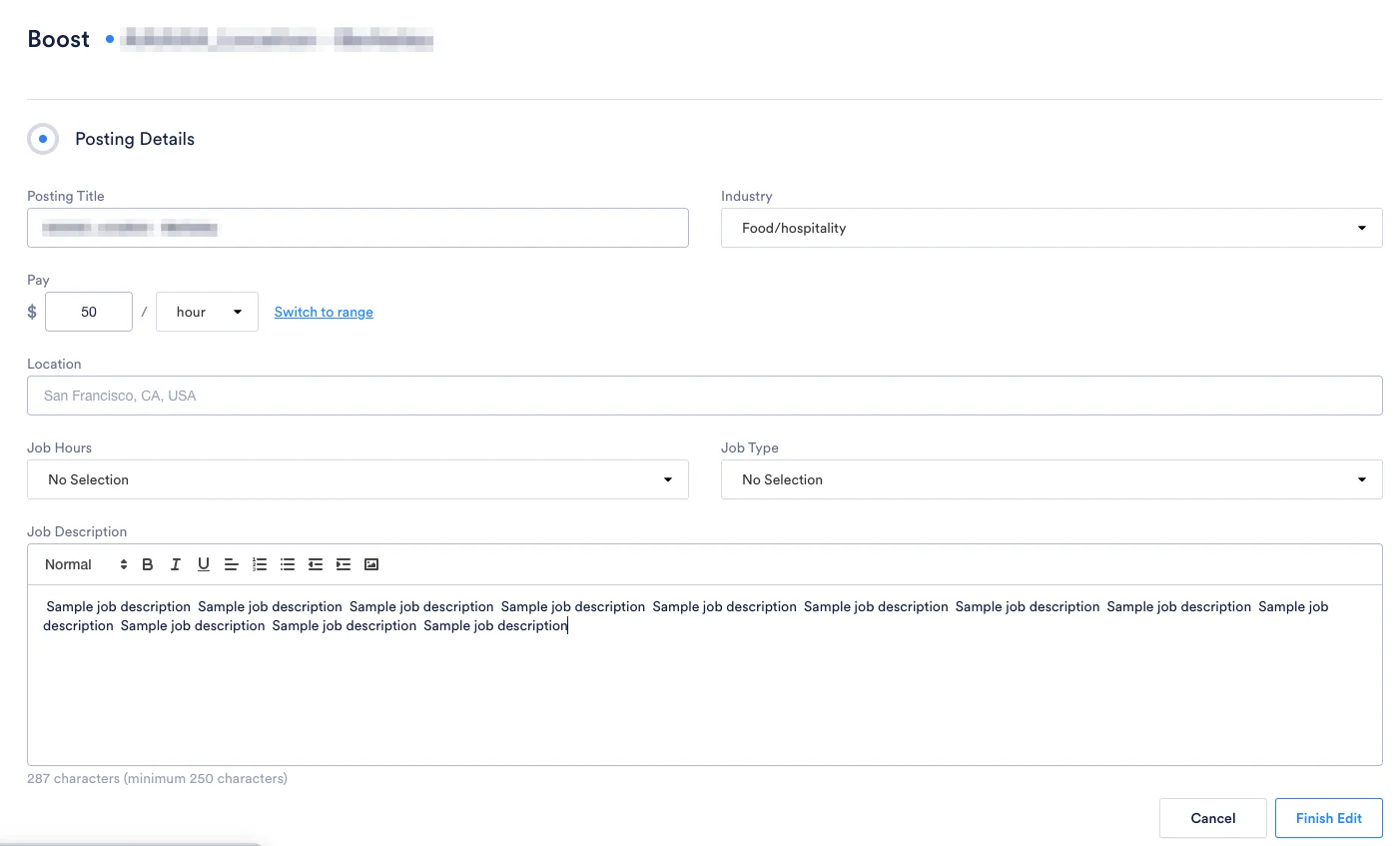
Input or confirm the existing job details in our system, and complete any missing job details.
-
The Posting Title can be different from the Opening name in Rekrutek. This is what job seekers will see in search results on job boards.
-
The salary can be a range or an exact number; it can also be left blank. (We recommend including the salary with your job details to attract more applicants.)
-
If you’d like to change the address associated with the job, go back to the original Opening created to edit the location.
-
-
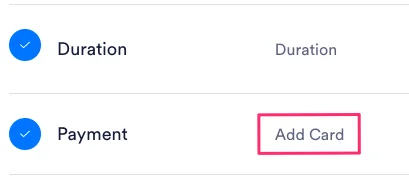
Determine the Payment Method you want to use for the Boost. You can use a credit card or add the Boost as a line item to your monthly invoice.
-
Click Pay & Boost Now or Schedule for Later. Your Boost campaign will be active.
Talroo Sponsored Postings
Section titled “Talroo Sponsored Postings”Talroo is the programmatic job advertising platform powering Boost’s Standard Package. With the second-largest unique candidate audience, Talroo reaches job seekers that other platforms miss through its owned-and-operated sites and extensive publisher network.
Talroo’s Distribution Network:
- Owned Sites: Jobs2Careers, ReadySetHire, EssentialWorkerJobs
- Partner Publishers: Job boards, blogs, news sites and apps, associations, and programmatic advertising partners
Key Features:
- Minimum Spend: $150 (you can allocate higher amounts)
- Duration: 30 days (fixed)
- Coverage: USA, Puerto Rico, and Guam
- Location Requirements: Physical address required; remote jobs are not supported
Your Talroo postings will automatically distribute through this network when you create a Boost campaign with the Standard Package.
Joveo Sponsored Postings
Section titled “Joveo Sponsored Postings”Joveo is a programmatic job advertising platform available as an additional job board option in Boost. Joveo distributes your job posting across a comprehensive network of major and niche job boards to maximize visibility and reach qualified candidates.
Joveo’s Distribution Network:
- Major Job Boards: Indeed, Monster, LinkedIn
- Niche Job Boards: Specialized industry and community sites (e.g., Nurse.com, diversity-focused platforms)
- Syndication Networks: Additional smaller job boards that extend your reach
- Programmatic Advertising Partners: Dynamic ad placement across multiple networks to optimize ROI
Key Features:
- Minimum Spend: $100 (you can allocate higher amounts)
- Duration: 30 days (fixed)
- Coverage: USA and Canada
- Location Requirements: Physical address required; remote jobs are not supported
Your Joveo postings can be selected as an additional job board option when you create a Boost campaign. Joveo can be used individually or in combination with the Standard Package, CareerBuilder, and Free Job Boards.
Adding a Coupon to Your Boost Demonstration
Section titled “Adding a Coupon to Your Boost Demonstration”Managing a Boost
Section titled “Managing a Boost”To manage a Boost, follow the steps below:
-
Select the Sourcing tab located in the top navigation bar, then select Job Postings located in the left menu.

-
On the Job Postings tab, select the Opening you’d like to add your Boost to from your list of Openings. Boosted jobs are identified with the blue lightning bolt icon in the Type column. On this tab, you can view the number of applicants you received from various job boards, as well as cancel your Boost.
Attributing Applicants
Section titled “Attributing Applicants”Applicants who apply via Boost can be identified by looking at the UTM source on the Applicant Table and in the details section of their applicant profile. This will display the individual job board on which the applicant applied for your Opening. In addition, on the Applicant Table, applicants who apply via Boost are designated with the blue lightning bolt icon.
Try It Out!
Section titled “Try It Out!”Click the image below to try out Boost: